loader

Activity No. 3: Measure the pressure and display the value in the serial console (IoT sensors kit)

Using the NUCLEO-IKS01A3 pressure sensor
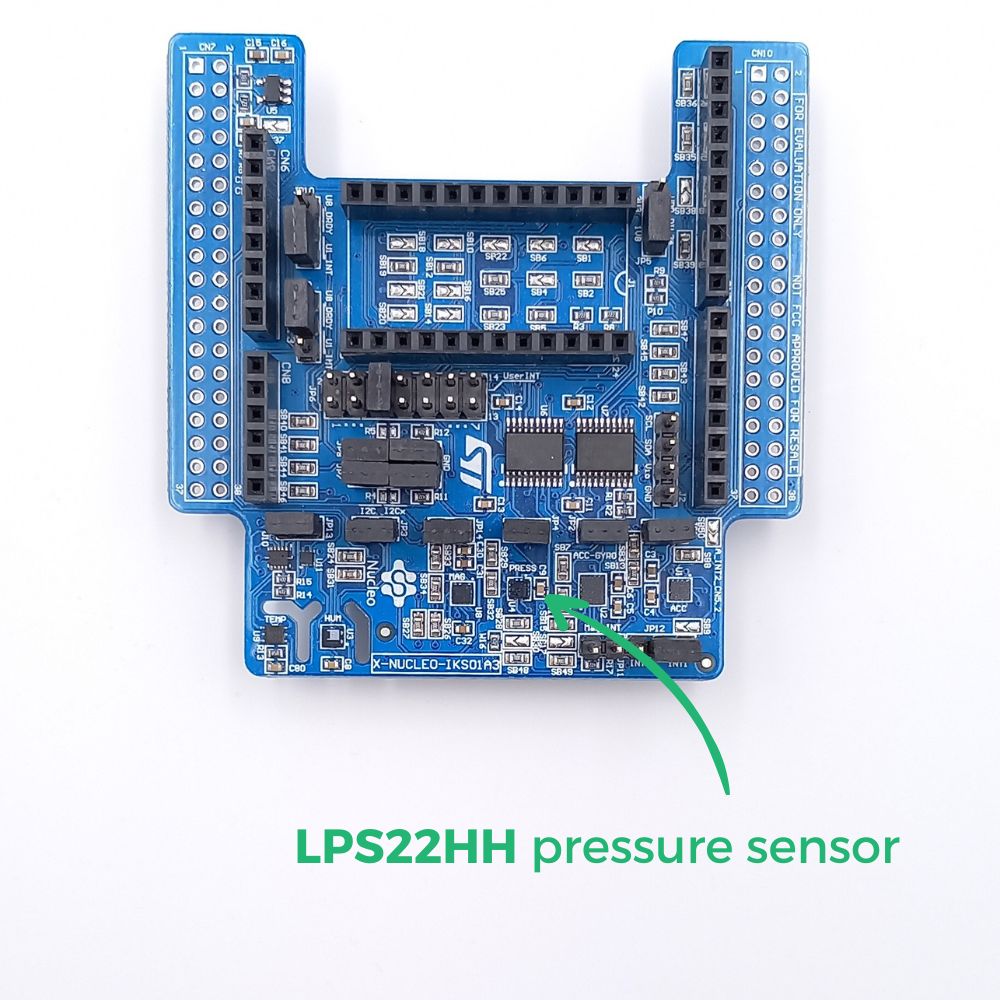
The pressure sensor of the NUCLEO-IKS01A3 is a module that measures atmospheric pressure over a range of 260 to 1260 hPa.
The information returned by the sensor is a value in hPa (hectopascal).

The operating principle is simple. This MEMS (micro-electro-mechanical systems) sensor consists of a suspended piezoresistive membrane that functions as a barometer. That is to say by deforming according to the pressure of the air exerted on it.

The variations in pressure make it possible to define variations in altitude. 260hPa corresponds to a pressure at an altitude of 10,000m while 1260hPa corresponds to a pressure at sea level, i.e. 0m.

IKS-presison-EN

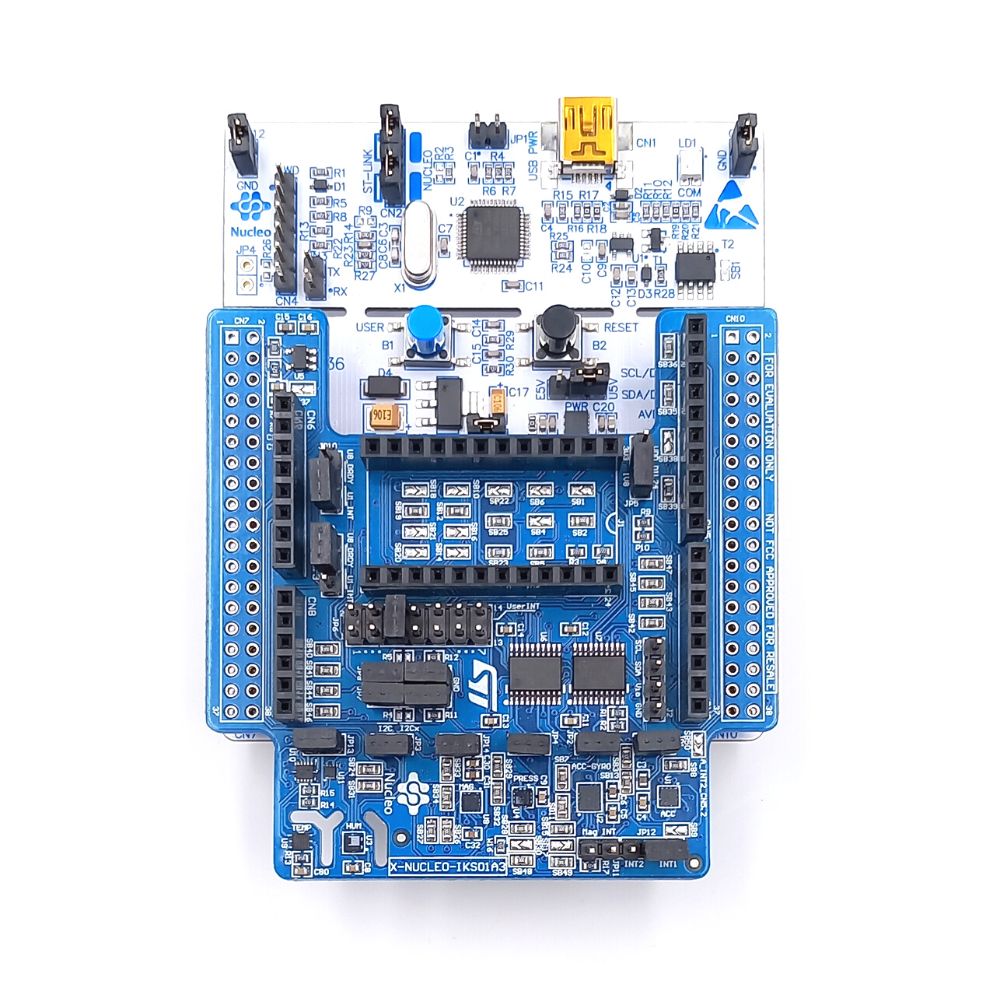
To measure the pressure using the NUCLEO-L476RG card, the following connection must be made: 
- Connect the NUCLEO-IKS01A3 to the connectors on the card. 
- Connect the L476RG board to the computer using the mini-usb cable


IKS+L476-FR

Let's move on to programming now! 

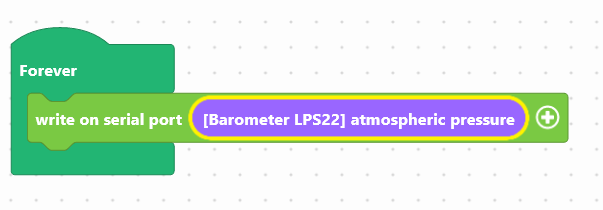
We are going to use two blocks:
- "write in the console", available in the Communication of the block locker to manage the display.
- "[LPS22 Barometer] atmospheric pressure", available in the Sensors, to retrieve the value of the module.
baro-en


Use the following interface to program the module: 

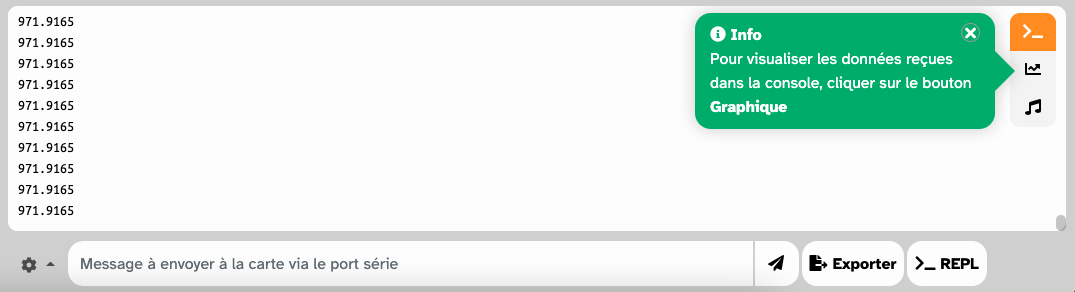
The pressure will be displayed in the console, at the bottom of the interface.
iot-console-pression-FR


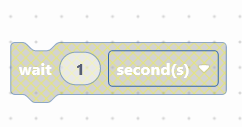
To facilitate reading, a pause of 1 second can be inserted.

wait-en

Once the program has been created, it must be copied onto the card. To do this, use the "Upload" button (see Activity 0: Getting started with the board)

We are now going to create a text, to make it easier for the user to read, in particular by adding the symbol %

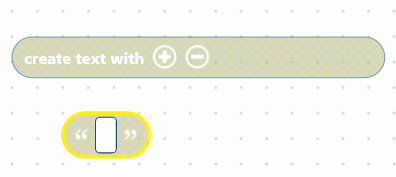
You must use the block "create the text ... ... ... " available in the Text part of the block locker, by combining it with the block ("...") which allows you to to write. 

text-en


Here is an example of ready-to-use code:


This code includes:
- the display of a text consisting of the humidity value + the acronym %, in the console
- a 1 second pause for easier reading

Download the program to the card and launch the console to view the air humidity. 


You succeeded ? Perfect, you now know how to program the temperature sensor using your NUCLEO-L476RG board! 
Discover the other activities of the IoT Sensors kit by clicking on the icons below.

Användarlicens